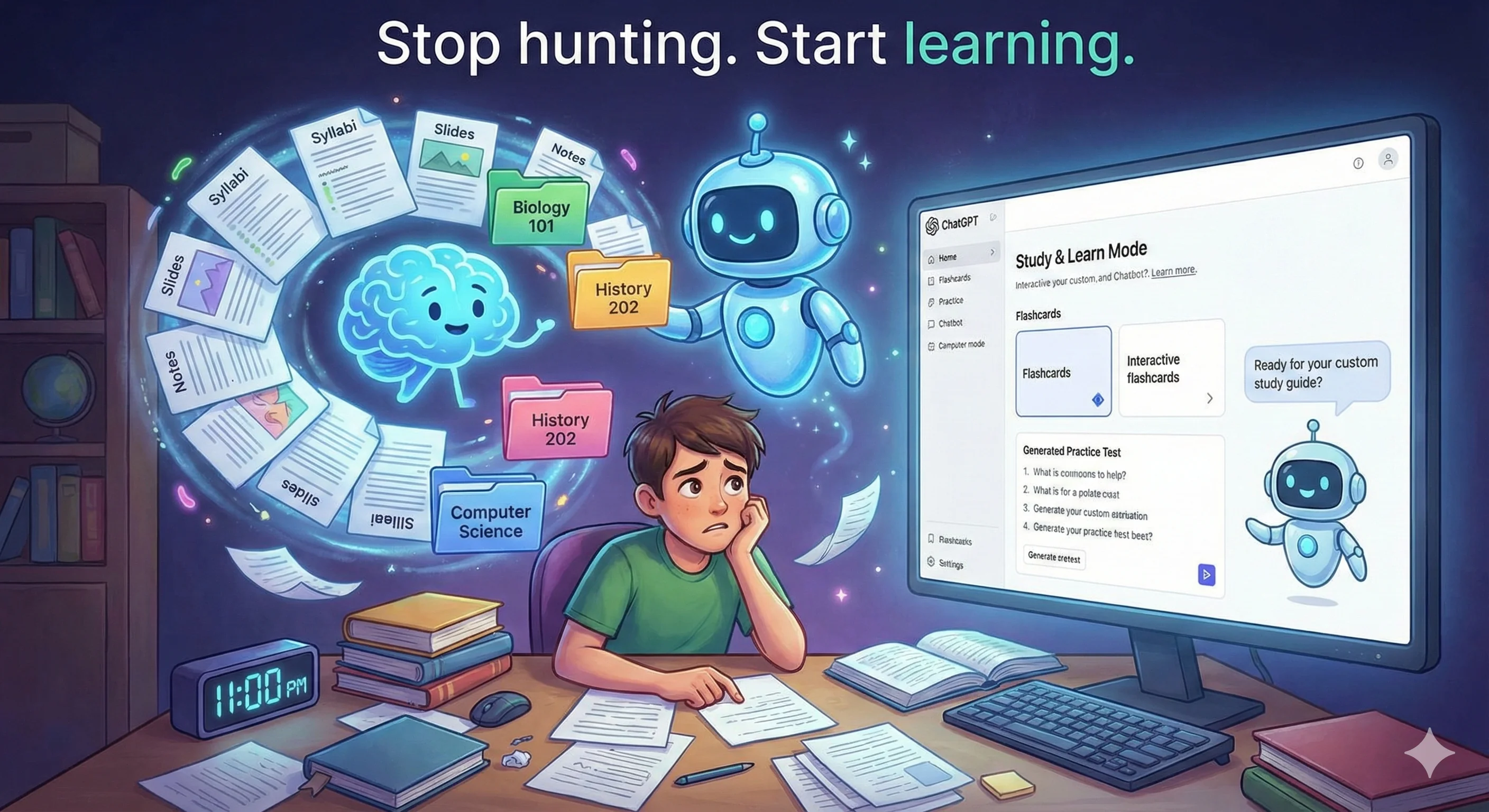
The challenge: information overload every semester
Every semester brings the same chaos. Syllabi with different date formats. PDFs scattered across email, Canvas, and random downloads folders. Lecture slides that you saved somewhere but can't find when you need them. Notes from that one class you're pretty sure exist on your laptop, phone, or maybe a notebook you haven't seen in weeks.
Then exam time hits, and you're spending more time hunting for materials than actually studying. You know everything you need is somewhere, but "somewhere" isn't particularly helpful at 11pm the night before a midterm.
ChatGPT's Projects feature changes this completely. By creating a dedicated project for each class and systematically uploading your materials, you build a personalized study assistant that knows your specific courses, professors, assignments, and deadlines. Combined with ChatGPT's Study and Learn mode, you get an interactive tutor that can quiz you, explain difficult concepts, and help you prepare for exams using your actual course materials.
Why this approach works
Traditional AI tutoring has a fundamental limitation: the AI doesn't know what your professor emphasized, how your textbook explains concepts, or what format your exams typically use. You end up with generic explanations that may or may not align with how your course approaches the material.
When you upload your course materials to a ChatGPT Project, you eliminate this gap entirely. The AI can reference your actual syllabus dates, use examples from your professor's slides, and explain concepts the way your textbook does. Ask about an upcoming exam, and it knows exactly which chapters are covered and when it's scheduled.
This isn't just about convenience. Research consistently shows that retrieval practice (testing yourself on material) and spaced repetition (reviewing over time) are far more effective than passive re-reading. A properly configured ChatGPT project can generate practice questions based on your specific materials, quiz you on key concepts, and help you identify gaps in your understanding before the actual exam reveals them.
Setting up your class projects: a step-by-step guide
Step 1: Create a separate project for each class
Organization starts with separation. Each course gets its own dedicated project, keeping materials and conversations cleanly organized.
ACTION
- Open ChatGPT and look for the "Projects" option in the left sidebar
- Click "New Project"
- Name it with the course code and title (e.g., "BIO 201 - Human Anatomy")
- Repeat for each class in your schedule
Naming tip: Use a consistent naming convention across all projects. Including the course code makes projects easy to identify, and adding the semester (e.g., "BIO 201 - Human Anatomy - Spring 2025") helps if you want to keep projects for reference after the course ends.
Step 2: Upload your syllabus first
The syllabus is your project's foundation. It contains the semester roadmap: every major assignment, exam date, reading schedule, office hours, grading weights, and professor expectations. Upload this before anything else.
ACTION
- Open your class project
- Click the attachment/upload icon
- Select your syllabus PDF (or drag and drop it into the chat)
- Once uploaded, send this initial prompt:
"This is the syllabus for my [Course Name] class. Please review it and summarize the key information: major assignment due dates, exam schedule, grading breakdown, required materials, and any important policies. I'll be adding more course materials to this project throughout the semester."
WHAT YOU GET
I've reviewed your BIO 201 Human Anatomy syllabus. Here are the key details:

EXAM SCHEDULE:
- Midterm 1: February 18 (Chapters 1-4)
- Midterm 2: March 25 (Chapters 5-8)
- Final Exam: May 6, 10:00 AM (Comprehensive)

MAJOR ASSIGNMENTS:
- Lab Reports (5): Due every other Friday, starting Feb 7
- Research Paper: April 15 (15% of grade)
- Group Presentation: April 22-24

GRADING:
- Exams: 45% (15% each)
- Lab Reports: 20%
- Research Paper: 15%
- Participation: 10%
- Group Presentation: 10%

REQUIRED TEXT: "Human Anatomy" by Marieb & Wilhelm, 9th edition

I'll use this information to help you prepare throughout the semester. What would you like to focus on first?
Now your project understands the entire semester structure. When you ask "what's coming up next week?" or "how much is the research paper worth?", it can give you accurate answers specific to your class.
Step 3: Add professor-provided materials
As your professor distributes materials throughout the semester, add them to your project. This includes lecture slides, handouts, study guides, problem sets, lab instructions, and any supplementary readings they provide.
ACTION
- After each class, download any new materials from your learning management system (Canvas, Blackboard, etc.)
- Upload them to your ChatGPT project
- Add a brief context message:
"Here are the lecture slides from Week 3 covering the skeletal system. The professor emphasized bone classification and the axial vs. appendicular skeleton."
Why context matters: When you mention what the professor emphasized, ChatGPT knows to weight those topics more heavily when generating study materials. This subtle addition makes your AI tutor significantly more aligned with what will actually be on your exams.
MATERIALS TO UPLOAD
- Lecture slides and PowerPoints
- Professor's study guides or review sheets
- Problem sets and homework assignments (both blank and completed/graded)
- Lab manuals and instructions
- Handouts and supplementary readings
- Past exams if the professor provides them
- Assignment rubrics and grading criteria
Step 4: Upload your own notes
Your notes represent your understanding of the material, including areas of confusion and personal connections to concepts. Adding them creates a more personalized study experience.
ACTION
- After organizing your notes from each class, upload them to your project
- Digital notes can be uploaded directly as documents
- For handwritten notes, take clear photos or scan them
- Include context about what topics the notes cover
Handwritten notes tip: ChatGPT can read handwritten notes from images remarkably well. Take a clear, well-lit photo of your notebook pages and upload them directly. The AI will extract the text and incorporate it into its understanding of your materials.
If you want to verify what ChatGPT understood from your handwritten notes, ask: "Can you summarize what you extracted from my handwritten notes on Chapter 4?"
Step 5: Add supplemental materials
Beyond what your professor provides and what you create, there's often supplemental material that helps you understand the subject better. This might include textbook chapters, online resources, or materials from tutoring sessions.
SUPPLEMENTAL MATERIALS TO CONSIDER
- Relevant textbook chapters (PDFs if available)
- Articles or papers referenced in class
- YouTube video transcripts that helped you understand concepts
- Tutoring center handouts
- Solved example problems from other sources
- Formula sheets or reference guides
When adding supplemental materials, note their source so ChatGPT understands the relationship to your course: "This is a supplementary article about bone remodeling that provides more detail than our textbook. It's not required reading but helps explain the concepts from Week 3."
Using Study and Learn mode for active studying
Once your project contains your course materials, ChatGPT's Study and Learn mode transforms from a generic AI into a personalized tutor that knows exactly what you need to learn. Here's how to use it effectively across different study scenarios.
Creating customized study guides
SCENARIO: You have a midterm in one week covering the first four chapters and want a focused study guide.
PROMPT
"Create a comprehensive study guide for my upcoming Midterm 1 on February 18. Based on the syllabus, it covers Chapters 1-4. Focus on the key concepts from my lecture notes and slides, and organize it in a way that's easy to review over the next week."
WHAT YOU GET
MIDTERM 1 STUDY GUIDE - BIO 201
Exam Date: February 18 | Chapters 1-4

CHAPTER 1: INTRODUCTION TO ANATOMY
Key Concepts:
• Anatomical terminology and body planes (sagittal, frontal, transverse)
• Body cavities and their contents
• Homeostasis (your professor emphasized this heavily in Week 1 slides)
• Levels of organization: chemical → cellular → tissue → organ → system → organism

Terms to Know:
[Lists specific terms from your uploaded materials]

Areas for Extra Review:
Based on your notes, you had questions about the difference between dorsal and ventral cavities. Here's a clear breakdown...

CHAPTER 2: BASIC CHEMISTRY
[Continues with organized content from your specific materials]
Follow-up prompt: "Can you add practice questions at the end of each chapter section?" This builds retrieval practice directly into your study guide.
Generating practice test questions
SCENARIO: You want to test yourself on the cardiovascular system before the exam, simulating the question types your professor typically uses.
PROMPT
"Create a practice quiz on the cardiovascular system based on the lecture slides and my notes. Include 15 questions with a mix of multiple choice, fill-in-the-blank, and short answer. Match the difficulty and style to the sample exam questions from the professor's review sheet."
WHAT YOU GET
CARDIOVASCULAR SYSTEM PRACTICE QUIZ

MULTIPLE CHOICE (1-8):

1. The right atrium receives blood from which vessels?
   a) Pulmonary veins
   b) Superior and inferior vena cava
   c) Pulmonary arteries
   d) Coronary sinus only

2. According to your professor's slides, the cardiac conduction system initiates impulses at the:
   a) AV node
   b) Bundle of His
   c) SA node
   d) Purkinje fibers

[Continues with questions directly tied to your uploaded materials...]

FILL IN THE BLANK (9-12):

9. The _____________ valve prevents backflow from the aorta into the left ventricle.

SHORT ANSWER (13-15):

13. Explain the path of blood through the heart, starting from the superior vena cava. (This matches the diagram-labeling style from your Week 5 notes.)

---
Answer key provided below when you're ready to check your work.
After completing the quiz: "I got questions 3, 7, and 12 wrong. Can you explain these concepts and give me similar practice questions to try again?"
Interactive tutor sessions
SCENARIO: You're stuck on a concept and want to work through it conversationally, not just read an explanation.
PROMPT
"I'm confused about action potentials in neurons. Can you walk me through this concept step by step? Use the Socratic method. Ask me questions to check my understanding rather than just explaining everything."
WHAT YOU GET
Let's work through action potentials together. I'll ask questions and guide you through it.

First, let's make sure we're on the same page with the basics. Your Week 6 notes mention the resting membrane potential.

Question 1: What is the approximate voltage of a neuron at rest, and why is the inside of the cell negative compared to the outside?

Take your best shot, and I'll help clarify anything that's fuzzy.
This interactive approach is significantly more effective than passive reading. When you answer incorrectly or partially, ChatGPT can identify exactly where your understanding breaks down and address that specific gap.
Other interactive session prompts:
- "Quiz me verbally on the material from Chapter 5. Start easy and increase difficulty based on how I'm doing."
- "Let's do a practice case study on diagnosing cardiovascular conditions. Present me with symptoms and let me work through the differential diagnosis."
- "I need to understand enzyme kinetics for my biochemistry exam. Be my tutor and teach me like I'm starting from zero."
Explaining difficult concepts multiple ways
SCENARIO: The textbook explanation isn't clicking, and you need a different approach.
PROMPT
"I've read the textbook section on osmosis three times and it's still not making sense. Can you explain it in a completely different way? Use a real-world analogy that doesn't involve the typical 'crowded room' example."
WHAT YOU GET
Let me try a different approach. Think about osmosis like this:

Imagine you have two fish tanks connected by a special filter that only allows water through, not the fish food dissolved in the water.

Tank A has heavily salted water (high solute concentration).
Tank B has fresh water (low solute concentration).

The water "wants" to balance things out. Since the salt can't move through the filter, water moves instead. It flows from Tank B (less salty) toward Tank A (more salty) until the concentration evens out.

The key insight your textbook is getting at (page 47 in the chapter you uploaded) is that the water moves toward higher solute concentration. It seems backward until you realize: water is moving to dilute the more concentrated solution.

Now, connecting this back to your professor's slides on cell membranes: the cell membrane is that selective filter. When you put a red blood cell in different solutions...

Does this framing help? I can walk through the hypertonic/hypotonic/isotonic scenarios using this same fish tank model.
Preparing for specific question types
SCENARIO: Your professor uses a lot of diagram-labeling questions, and you need targeted practice.
PROMPT
"My professor uses a lot of diagram labeling questions on exams. Based on the diagrams in my lecture slides, create a verbal labeling quiz for the heart, kidney, and neuron. Describe each structure's location and ask me to identify what it is."
WHAT YOU GET
HEART LABELING QUIZ:

1. This chamber is located in the upper right portion of the heart and receives deoxygenated blood from the body. What is it?

2. These small flaps are attached to the tricuspid and mitral valves by string-like structures and prevent valve prolapse. What are both structures called?

3. This thick muscular wall separates the left and right ventricles. What is it called?

[Continues through all requested systems...]

When you're ready, give me your answers and I'll check them against the diagrams from your Week 4 slides.
Real-world examples across different subjects
Example 1: Chemistry course
SCENARIO: You're preparing for an organic chemistry exam and need to practice reaction mechanisms.
PROMPT
"Based on my uploaded lecture notes on substitution reactions, create five practice problems involving SN1 and SN2 mechanisms. Include the starting materials and conditions, and ask me to predict the products and mechanism type. Make them progressively harder."
Follow-up after attempting: "I got problem 3 wrong. I chose SN2 but the answer was SN1. Can you explain how to determine which mechanism will dominate based on the substrate structure?"
Example 2: History course
SCENARIO: You have an essay exam on the French Revolution and need to practice constructing arguments.
PROMPT
"My history exam includes essay questions on the French Revolution. Based on my lecture notes and the readings I uploaded, give me three potential essay prompts and outline the key arguments and evidence I should include for each. Focus on the themes my professor emphasized: economic factors, Enlightenment ideas, and class conflict."
Follow-up: "Let's practice. Give me essay prompt #2 and let me write a thesis statement. Then critique it and help me improve it."
Example 3: Mathematics course
SCENARIO: You're struggling with integration techniques and need targeted practice.
PROMPT
"Looking at my homework assignments and the problem types from my calculus lecture, I'm weakest on integration by parts. Create a set of 10 practice problems that specifically target this technique. Start with straightforward examples and build to the more complex types I'll see on the exam."
While solving: "I'm stuck on problem 4. I chose u = x² and dv = e^x dx. Can you tell me if this is the right choice without solving it for me? If it's wrong, give me a hint about how to choose u and dv better."
Example 4: Literature course
SCENARIO: You need to prepare for a discussion on a novel you've uploaded.
PROMPT
"Tomorrow's class discussion is on chapters 5-8 of the novel. Based on my professor's discussion questions from the syllabus and the themes we've been tracking in my notes, help me prepare talking points. What are the key passages I should be ready to reference?"
Follow-up: "Quiz me on character motivations. Ask me why specific characters made the choices they did in these chapters, and push back if my analysis is surface-level."
Example 5: Language course
SCENARIO: You're learning Spanish and need to practice verb conjugations from your current unit.
PROMPT
"Based on the vocabulary list and grammar rules from Unit 4, quiz me on preterite vs. imperfect tense. Give me sentences in English and ask me to translate them to Spanish, choosing the correct past tense. Explain why I'm wrong if I make mistakes."
Level up: "Now let's have a conversation entirely in Spanish using only vocabulary from Units 1-4. Correct my grammar inline but keep the conversation going."
Best practices for maintaining your projects
WEEKLY MAINTENANCE HABITS
- Upload new materials within 24 hours of receiving them while context is fresh
- Add brief notes about what the professor emphasized during lectures
- After each study session, note topics that still feel unclear
- Review the project's understanding of upcoming deadlines weekly
BEFORE EXAM PERIOD
- Upload any professor-provided review materials or practice exams immediately
- Ask ChatGPT to identify gaps: "Based on all materials in this project, what topics have we covered least in my notes?"
- Request a comprehensive study schedule: "Create a study plan for the next 5 days before my exam covering all material proportionally to its weight on the test."
- Generate practice tests that mix all topics rather than studying in isolated chapters
Limitations to understand
While this system is powerful, it has boundaries worth knowing:
- File size limits: ChatGPT has limits on how much content can be processed at once. For textbook-heavy courses, upload chapters selectively rather than entire books.
- Image interpretation: Complex diagrams, especially hand-drawn ones, may not be interpreted perfectly. Verify understanding by asking ChatGPT to describe what it sees.
- No real-time updates: ChatGPT doesn't automatically know about schedule changes your professor announces. Update the project manually when syllabi change.
- Fact verification: For technical or scientific courses, double-check any facts that weren't in your uploaded materials. AI can occasionally generate plausible-sounding but incorrect information.
- Not a replacement for engagement: This system supports your learning, but attending class, participating in discussions, and doing the hard work of understanding still matters most.
Key takeaway
ChatGPT Projects transforms how you manage and study course materials. By creating dedicated projects for each class, starting with your syllabus, and systematically uploading all materials throughout the semester, you build a personalized AI study partner that knows your specific courses inside and out.
The Study and Learn mode then unlocks active learning: customized study guides based on your actual materials, practice tests that match your professor's style, and interactive tutoring sessions that adapt to your understanding. Instead of generic AI assistance, you get targeted help aligned with exactly what you need to know for your exams.
The setup takes maybe 15 minutes per class at the start of the semester, plus a few minutes after each lecture to upload new materials. The payoff is an AI tutor available 24/7 that knows your courses as well as you do, and possibly better.
Pro tips summary
FOR BEST RESULTS
- Always upload the syllabus first to establish the semester framework
- Add context when uploading: mention what the professor emphasized
- Use consistent project naming: course code + title + semester
- Upload graded assignments to help ChatGPT understand the professor's expectations
- Practice retrieval over recognition: ask for quizzes, not summaries
- Request Socratic tutoring for difficult concepts instead of just explanations
- Review the project's deadline awareness weekly to catch any changes
REMEMBER
- The more materials you upload, the more personalized and useful your AI tutor becomes
- Active practice (quizzes, teaching back, problem-solving) beats passive review every time
- Verify any information that came from ChatGPT's training rather than your uploaded materials
- This is a study tool, not a shortcut. The work of learning still requires your engagement
Try it this semester
Pick one class and set up a project today. Upload the syllabus and whatever materials you have so far. Then ask ChatGPT to create a practice quiz on the most recent topic you covered. You'll immediately see the difference between generic AI help and a tutor that actually knows your course.
Once you experience that difference, you'll want to set up the rest of your classes the same way. Your future self, cramming for finals at 2am, will thank you.
Want to learn more about using AI in practical, everyday situations? Check out Practical AI for Humans for comprehensive guides on prompt engineering, AI tools, and real-world applications that make your life easier.