Your Personal Tutor for Anything
Imagine having access to a patient, knowledgeable tutor who can explain anything from quantum physics to woodworking techniques—available 24/7, adapting to your learning style, and never judging you for asking "dumb" questions. That's exactly what you can create with a custom ChatGPT.
The breakthrough? Large Language Models were trained on the entirety of the Internet. You literally have millions of teachers' worth of knowledge at your fingertips. The challenge has always been getting that knowledge delivered in a way that actually helps you learn. That's where a well-designed tutoring GPT comes in.
Why This Matters
Most people use AI like a search engine—they ask a question, get an answer, and move on. But that's not how learning works. Real learning happens through dialogue, through struggling with concepts, and through explaining things back in your own words.
A properly configured tutoring GPT doesn't just give you answers. It asks you questions. It makes you think. It guides you to discover understanding rather than just memorizing facts. And unlike human tutors, it's infinitely patient and available whenever you need it.
Building Your AI Tutor
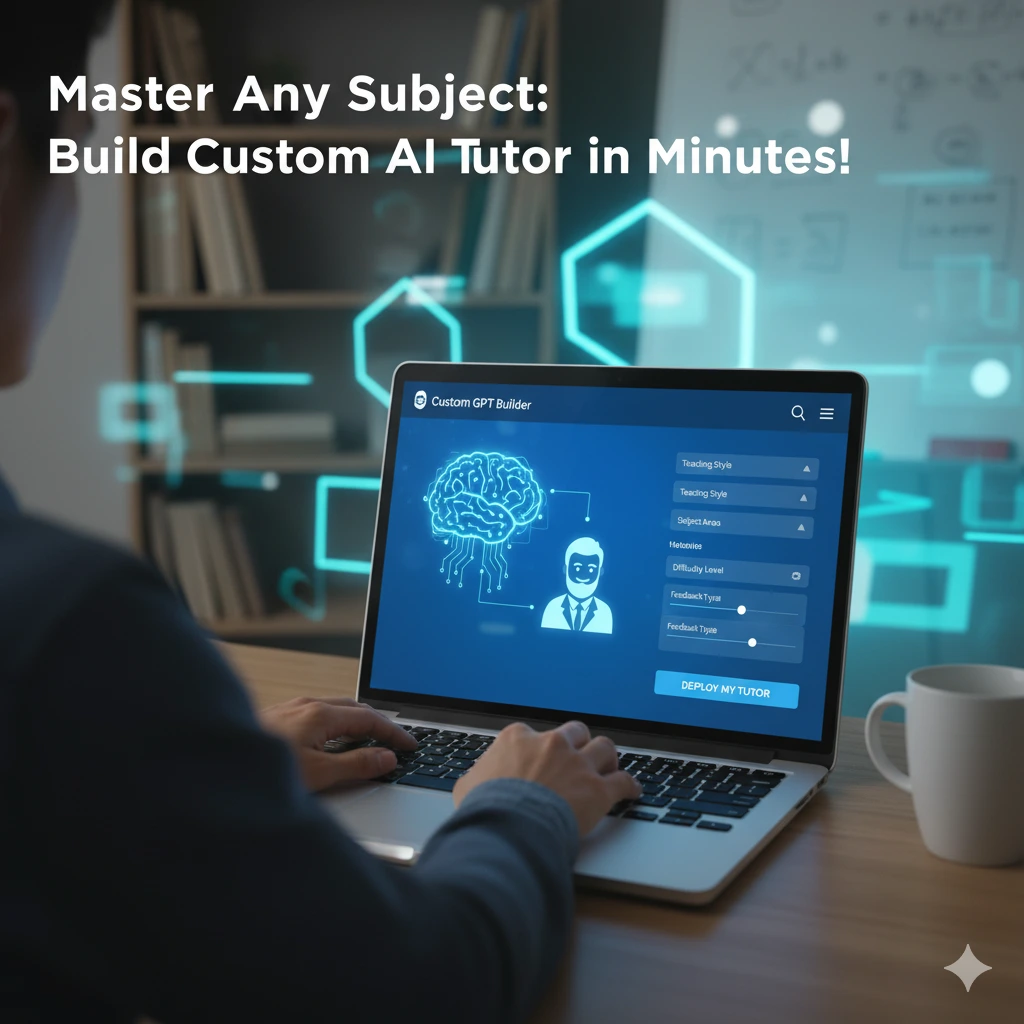
Creating your custom tutor is straightforward. In ChatGPT, navigate to "Explore GPTs" and click "Create." You'll give it a name (I call mine "MyTutor"), a description, and then paste in the tutor instructions.
The instructions I use are based on the excellent tutor prompt from the Wharton AI Prompt Library, which I discovered through an article by Ethan Mollick. I've refined them through actual use, and you can download the complete instructions at the end of this post.
The Secret Sauce: How It Works
What makes this tutor effective is its three-step process:
THE TUTORING PROCESS
- Gather Information: The tutor asks what you want to learn, your current level, and what you already know—one question at a time.
- Guide Discovery: Instead of explaining directly, it asks leading questions and provides hints, pushing you to construct your own understanding.
- Verify Understanding: It only wraps up when you can explain the concept in your own words or apply it to a new situation.
Supercharge It with Your Own Materials
Here's where it gets powerful: you can upload documents to the GPT's knowledge base. Upload your class textbooks, study guides, user manuals, technical documentation—anything relevant to what you're learning. The tutor will reference these materials when structuring its approach, ensuring the explanations align with your specific curriculum or needs.
For example, if you're learning Python for a specific class, upload your course syllabus and textbook. The tutor will adapt its teaching to match your course requirements, use the same terminology, and reference examples from your materials.
Example in Action
Instead of this:
You: "How do Python dictionaries work?"
Generic AI: "A dictionary is a collection of key-value pairs..."
You get this:
TUTORING DIALOGUE
You: "I want to understand Python dictionaries."
Tutor: "Great choice! Before we dive in, what's your programming experience level?"
You: "I've done some basic Python."
Tutor: "Perfect. What do you already know about how Python stores data?"
You: "I know about lists..."
Tutor: "Good! So if I asked you to store a person's name, age, and email in a list, how might you do that? And what might be tricky about finding specific information later?"
See the difference? The tutor is making you think, not just absorb information.
PRO TIPS
- Be honest about your level: The tutor adapts to what you tell it, so don't oversell your knowledge.
- Actually answer the questions: Don't skip ahead or ask it to just explain everything—that defeats the purpose.
- Upload relevant materials: The more context you give it about what you're learning, the better it can help.
- Push back if it's too hard or too easy: Tell the tutor to adjust its level.
The Bottom Line
KEY TAKEAWAY
You now have access to an infinitely patient tutor trained on virtually all human knowledge, available 24/7, that can adapt to any subject and learning level. The difference between using AI as Google versus using it as a tutor is the difference between looking up facts and actually learning.
Get the Full Instructions
The complete tutor instructions, including the optimal parameter settings and full system prompt, are available for download. These instructions have been refined through actual use and are based on proven pedagogical principles from the Wharton AI Prompt Library.
Simply copy the instructions, create a new Custom GPT in ChatGPT, paste them in, and you'll have your own personal tutor ready to help you learn anything you want to master.
Want to learn more? Check out Practical AI for Humans for more practical guides on using AI effectively.