
The Problem with Generic Prompts
You're using ChatGPT for serious work—financial analysis, legal writing, custom code development. You type in a prompt, hit enter, and get... mediocre results. The output is vague, misses key details, or completely misunderstands what you need.
You try again. This time you add more context. Better, but still not quite right. You realize the issue: you're not giving ChatGPT enough detail to do the job properly. But writing detailed, well-structured prompts every single time? That's exhausting.
Why Prompt Quality Matters
Here's what most people don't realize: the quality of your AI output is directly tied to the quality of your prompt. A basic, generic prompt like "analyze this data" will give you basic, generic results. But a detailed, structured prompt that specifies the role, context, steps, and output format? That's when AI becomes genuinely useful.
The challenge is that writing expert-level prompts requires understanding prompt engineering frameworks—zero-shot, few-shot, chain-of-thought, role-based prompting. It requires knowing when to use each technique and how to structure instructions for maximum clarity. That's a lot to remember when you're trying to get work done.
The Solution: Build Your Own Prompt Engineer
Here's a better approach: create a custom GPT that writes expert-level prompts for you. Think of it as having a prompt engineering consultant on call 24/7. You describe what you're trying to accomplish, and it generates a complete, professionally structured prompt ready to use.
This isn't just about convenience—it's about consistency. A custom GPT trained on prompt engineering best practices will apply the right frameworks every time. It'll include proper role assignment, step-by-step reasoning when needed, and clear output formatting instructions. No more guessing whether your prompt is good enough.
How It Works
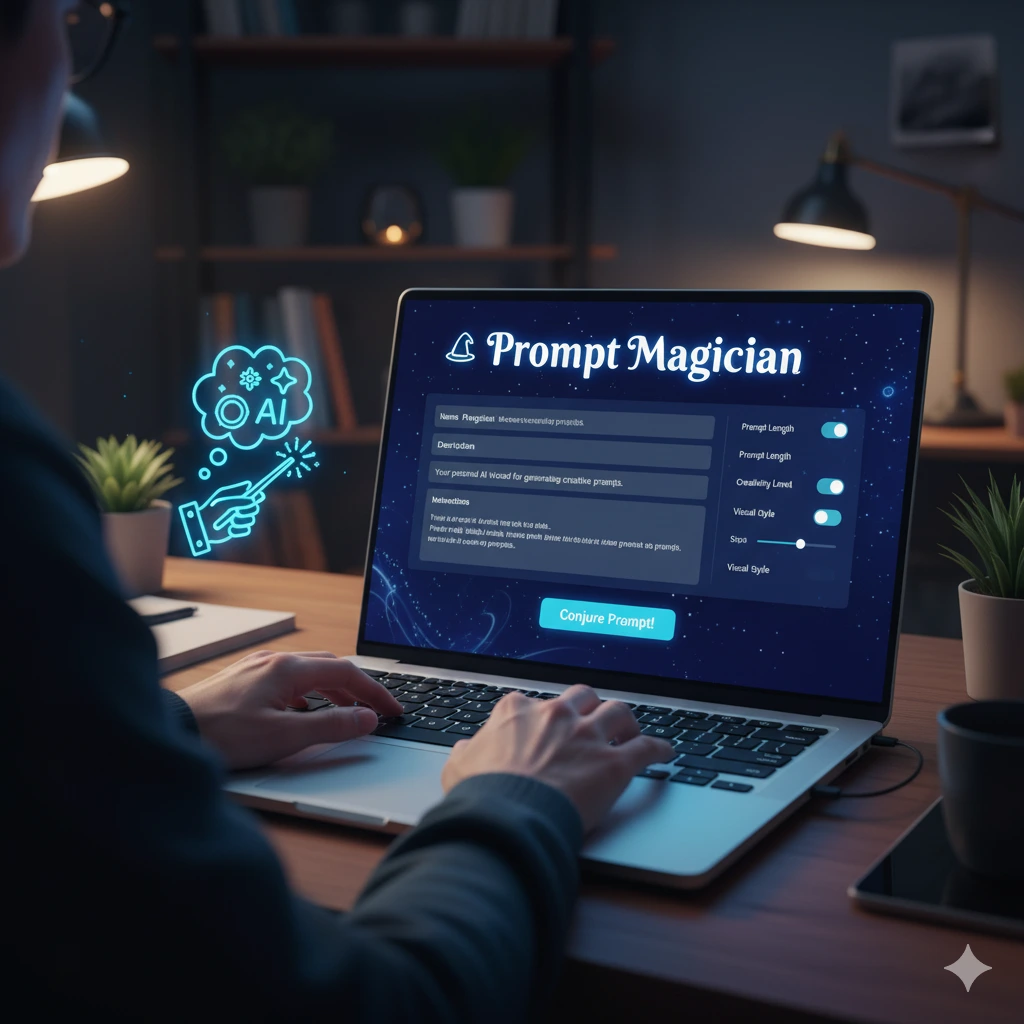
The custom GPT (let's call it "Prompt Magician") asks you what you're trying to accomplish. Maybe you need to analyze quarterly financial data, draft a contract clause, or debug some Python code. You describe your task, and Prompt Magician does the heavy lifting:
- Selects the appropriate prompt engineering framework (zero-shot, chain-of-thought, role-based, etc.)
- Writes a complete, detailed prompt tailored to your specific task
- Recommends model parameters like temperature and penalties
- Provides a summary of what the prompt will accomplish
Real Example
Let's say you're analyzing Q2 sales data and need actionable insights. Instead of writing your own prompt, you tell Prompt Magician: "I need to analyze Q2 performance trends and get strategic recommendations."
WHAT YOU GET
Recommended Parameters:
Temperature: 0.3 – low for analytical accuracy
Top_P: 0.9 – focused but not overly restrictive
Frequency Penalty: 0.2 – reduce repetitive phrasing
Complete Prompt:
"You are a senior financial analyst with expertise in retail performance metrics. Based on the Q2 dataset provided, analyze performance trends across all product categories, identify any anomalies or significant deviations from Q1, and provide three strategic recommendations with supporting data. Let's think step by step. Format your output with clear section headers: Executive Summary, Trend Analysis, Anomalies, and Strategic Recommendations."
Summary: This prompt guides the AI to perform structured financial analysis with logical reasoning, delivering a comprehensive, well-organized report.
Notice the difference? The custom GPT created a prompt with role assignment, specific analytical tasks, reasoning instructions, and clear formatting requirements. That's the kind of detail that produces professional-quality results.
Building Your Own
Creating this custom GPT is straightforward. In ChatGPT, you go to "Explore GPTs," click "Create," and upload instructions that define how your prompt engineer should behave. The instructions specify frameworks to use, output formatting, parameter recommendations, and the types of tasks you focus on (financial analysis, legal writing, coding, etc.).
The key is in the instructions file. It needs to define your custom GPT's expertise, specify which prompt engineering frameworks to apply, and establish consistent output formatting. A well-crafted instructions file turns a generic GPT into a specialized tool that understands your work context.
QUICK TIPS
- Include role-based prompting in your instructions—having the GPT assign roles ("You are a financial analyst...") dramatically improves output quality
- Specify chain-of-thought reasoning for complex analytical tasks—phrases like "Let's think step by step" improve logical accuracy
- Define clear output formatting in your instructions so generated prompts always specify structure (bullet points, sections, markdown)
- Add your specific use cases (financial analysis, legal writing, coding) so recommendations are tailored to your actual work
The Bottom Line
KEY TAKEAWAY
Stop struggling with mediocre AI responses. Build a custom GPT that generates expert-level prompts for you, applying proven prompt engineering frameworks consistently every time. You focus on your work—let your custom GPT handle the prompt engineering.
Get the Instructions
Want to build your own Prompt Magician? The complete instructions file is available for download below. It includes frameworks for zero-shot, few-shot, chain-of-thought, and role-based prompting, plus parameter recommendations and output formatting standards tailored for financial services professionals.
Download: Prompt Magician Instructions File
Want to learn more? Check out Practical AI for Humans for more practical guides on using AI effectively.