The Challenge
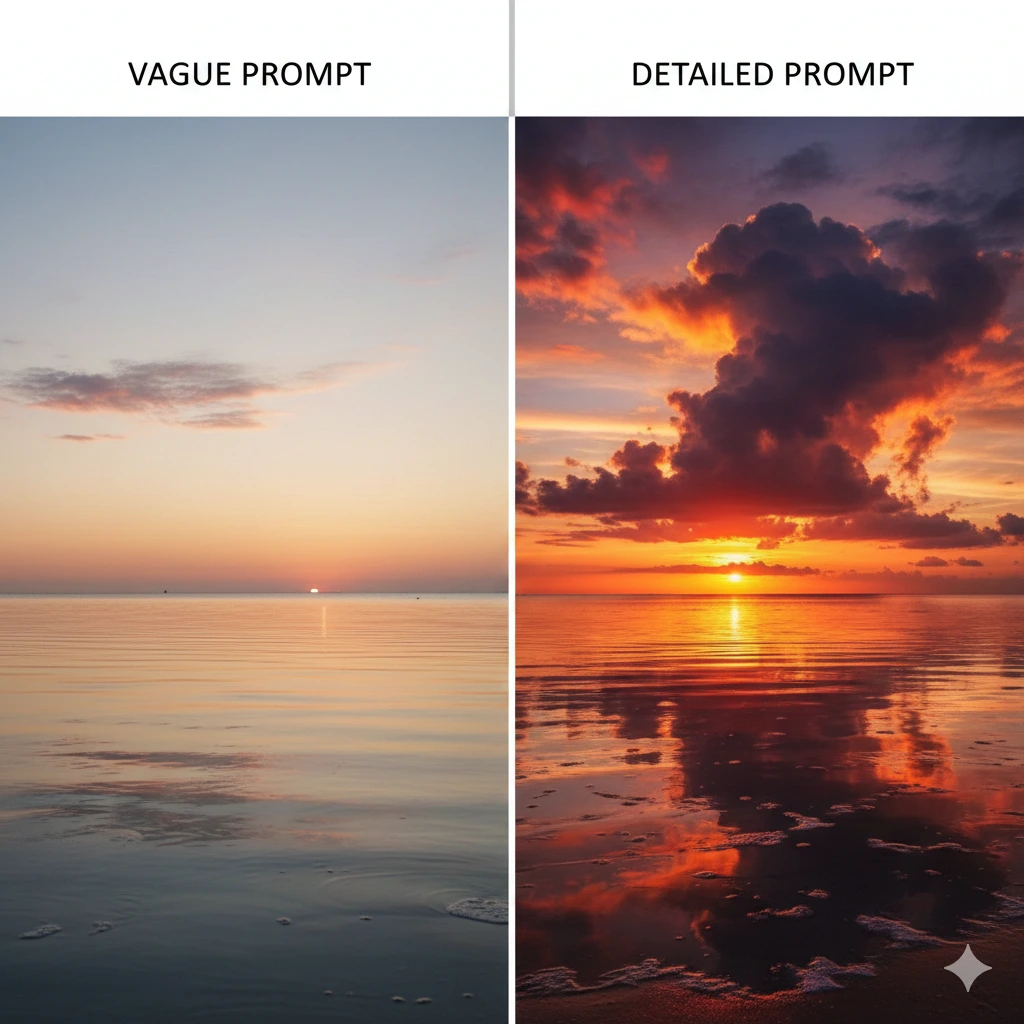
You ask ChatGPT a question and get a generic, surface-level answer that doesn't quite fit your needs. You try again with more details, but the response is still off-target. The problem isn't the AI—it's that you're not giving it enough context to understand what you actually want.
Most people treat AI prompts like Google searches: throw in a few keywords and hope for the best. But AI works best when you provide structure and context, not just keywords.
Why This Matters
The difference between a mediocre AI response and a genuinely useful one often comes down to how you frame your request. A well-structured prompt saves you from the frustration of multiple rounds of clarification and gets you better results on the first try.
The CASTLE method gives you a simple framework to structure your prompts so AI understands exactly what you need, who you are, and how you want the response formatted.
The CASTLE Method
CASTLE is an acronym that stands for Context, Action, Specifics, Tone, Length, Example. It's a checklist for building effective prompts that get better results from any AI tool.
You don't need to use every element in every prompt—think of it as a menu of options. Use what makes sense for your specific request.
THE CASTLE FRAMEWORK
- C - Context: Who are you? What's the situation?
- A - Action: What do you want the AI to do?
- S - Specifics: What details or constraints matter?
- T - Tone: What style or voice do you need?
- L - Length: How long should the response be?
- E - Example: Can you show what you want?
Breaking Down Each Element
Context tells the AI who you are and why you're asking. Are you a teacher? A business owner? A student? This helps the AI calibrate its response to your knowledge level and needs.
Action is the clearest part—what do you want? "Write," "explain," "summarize," "create," "analyze." Be direct about the task.
Specifics include any constraints, requirements, or details that matter. Budget limits, audience type, required elements, things to avoid—anything that narrows down what "good" looks like.
Tone defines the voice. Professional? Casual? Technical? Friendly? If you don't specify, you'll get the AI's default (usually slightly formal and neutral).
Length matters more than you think. "Write a blog post" could mean 300 words or 3,000 words. Specify: "Write a 500-word blog post" or "Explain in 2-3 sentences."
Example is the most powerful element. Show the AI what you want by providing a sample. "Like this example" is often clearer than a paragraph of instructions.
Example: Before and After
BEFORE (Weak Prompt):
"Write a social media post about our new product."
AFTER (Using CASTLE):
CASTLE PROMPT
Context: I'm the marketing manager for a B2B software company targeting mid-size businesses.
Action: Write a LinkedIn post announcing our new project management integration.
Specifics: Highlight time savings and ease of setup. Target audience is operations managers who are frustrated with juggling multiple tools.
Tone: Professional but approachable—like a helpful colleague, not a sales pitch.
Length: 150-200 words with 3-4 short paragraphs.
Example: Similar to our last launch post, which started with a relatable pain point, then introduced the solution, and ended with a clear benefit.
The second prompt gives the AI everything it needs to write something genuinely useful on the first try.
Quick Application Tips
QUICK TIPS
- Start with Context + Action for 80% of prompts—these two alone dramatically improve results
- Add Specifics when constraints matter—budget, audience, format, things to include/avoid
- Use Examples when you can—"like this" is clearer than long descriptions
- Don't use all six every time—pick what's relevant for your request
- Save your best prompts—reuse the structure for similar tasks
When to Use Each Element
Always use: Action (what you want done)
Usually use: Context (who you are/situation), Specifics (key requirements)
Use when relevant: Tone (if default won't work), Length (if it matters), Example (when you have one)
Common Scenarios
Writing tasks: Context + Action + Tone + Length work well together
Explaining concepts: Context (your knowledge level) + Action + Length keep it on target
Creating templates: Action + Specifics + Example give you exactly what you need
Problem-solving: Context + Action + Specifics help AI understand the full picture
The Bottom Line
KEY TAKEAWAY
Stop treating AI like a search engine. The CASTLE method gives you a simple framework to structure your requests: add Context about who you are, specify the Action you want, include relevant Specifics, define the Tone, set the Length, and provide an Example when possible. You don't need all six every time—but even using two or three will dramatically improve your results.
Want to learn more? Check out Practical AI for Humans for more practical guides on using AI effectively.